
Written by Lucas Mason
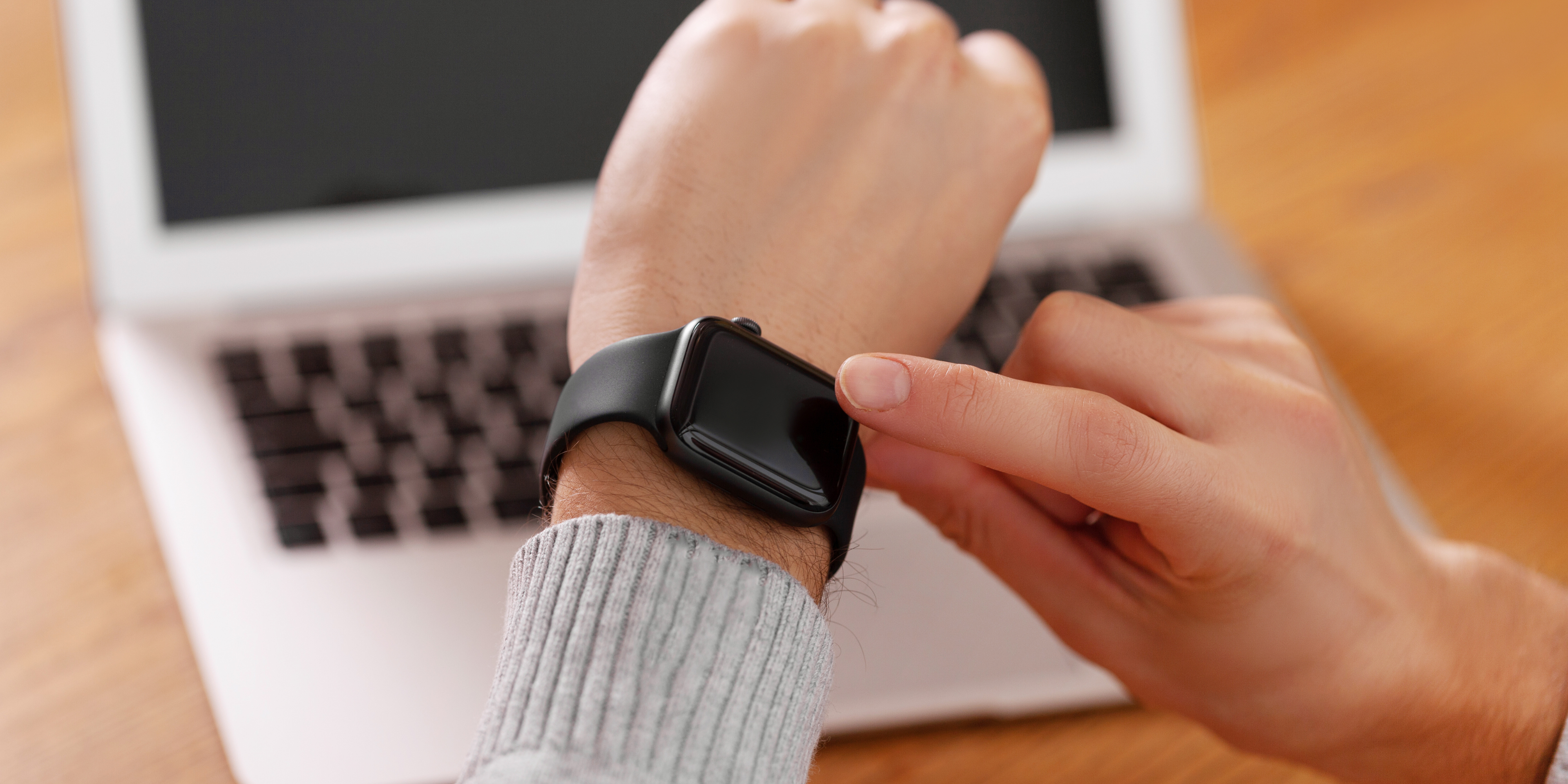
You’ve just placed your Apple Watch on the charger, only to find it’s not responding. No charging symbol. No battery life increase. Nothing. Frustrating, right?
This guide breaks down the common reasons why your Apple Watch may not be charging, what you can do to fix it, and when it’s time to get professional help. Our team at Reparation Tech specializes in Apple Watch Repair, and this blog offers expert insights based on real repair scenarios.
Disclaimer: The advice in this article is for informational purposes only. Always consult a certified technician if your device has hardware damage or shows no signs of life.
Why Isn’t My Apple Watch Charging? [Topic Overview]
If your Apple Watch isn’t charging, the issue may stem from:
- Faulty magnetic charger
- Software glitches
- Battery degradation
- Dirty connectors
- Hardware damage (e.g., logic board or charging coil failure)
According to Apple’s official charging guide, most charging failures relate to either the magnetic charging accessories or the device software, which is why basic troubleshooting is always the first step.
Charging Problems Are More Common Than You Think
A recent survey by Statista shows that nearly 12% of smartwatch users face charging issues at least once during ownership, particularly after 18 months of regular use.
Let’s explore each issue in more detail and what you can do about it.
Common Causes and Fixes for Apple Watch Not Charging [Key Points]
1. Magnetic Charger or Cable Failure
One of the most frequent culprits is the charging cable itself.
Symptoms:
- No charging animation
- Charger gets warm but doesn’t charge the watch
Quick Fixes:
- Try another Apple-certified charger
- Avoid third-party charging docks unless MFi certified
- Connect the charger directly to a wall outlet
Need a replacement? Visit our Buy a Device page to explore accessories.
2. Dirty Charging Surfaces
Dust, lotion, or sweat can block proper contact.
How to Clean Safely:
- Wipe the back of the Apple Watch and the magnetic charger with a soft, lint-free cloth
- Avoid using alcohol or abrasives
If that doesn’t solve the issue, consider booking a Diagnostic Service.
3. Software Glitches
Outdated watchOS or system bugs may prevent charging.
Try These Steps:
- Restart the Apple Watch
- Update watchOS to the latest version
- Reset settings if issue persists
Still stuck? Let our Tech Experts help.
4. Battery Degradation
Over time, lithium-ion batteries lose their ability to hold a charge.
Signs of Battery Wear:
- Fast battery drain
- Sudden shutdowns
- Heating during charge
Our team performs professional battery replacements at Reparation Tech. Book a Repair Appointment online today.
5. Hardware Failures (Charging Port or Logic Board)
If the watch has physical damage or internal faults, DIY fixes won’t help.
Get Professional Help If:
- You dropped the watch recently
- It was exposed to water
- Charging works only intermittently
Explore our full Apple Watch Repair services for diagnostics and component-level repair.
Practical Tips: What to Do Right Now [Recommendations]
- Try a different power source (USB vs. power outlet)
- Remove any case or cover that might be interfering
- Hard reset your watch (press and hold side button + Digital Crown for 10 seconds)
- Let it charge for 30+ minutes before trying again
- Visit a certified technician if you see a red lightning bolt or still no response
Looking to sell your device and upgrade? Check out our Sell a Device program.
When to Contact Reparation Tech [Conclusion]
Charging issues aren’t always simple. If you’ve tried the troubleshooting steps and your Apple Watch still won’t charge, it’s time to reach out to professionals. At Reparation Tech, we offer:
- Same-day repairs
- Premium diagnostic tools
- Warranty-backed replacements
Explore our services for Smartphone, Tablet, Computer, and Game Console Repair too.
Visit our Montreal Location or get an Instant Repair Quote today.
FAQs
Q1: Can a completely dead Apple Watch still be repaired?
Yes, in most cases. If it’s not water-damaged or burned internally, a battery or logic board replacement can restore it.
Q2: How do I know if my Apple Watch charger is working?
Test it with another Apple Watch, or try a known working charger on your current watch. If both fail, the issue likely lies within the device.
Q3: Should I use a wireless charging stand for Apple Watch?
Only if it’s MFi-certified. Unofficial chargers may lead to overheating or slower charge cycles.
Q4: Can software bugs stop my Apple Watch from charging?
Yes, especially if your watchOS is outdated or bug-ridden. Updating often resolves minor glitches.
Q5: How long should I charge my Apple Watch after it fully dies?
Give it at least 30 minutes of uninterrupted charging time. If no charging symbol appears, seek diagnostics.
Disclaimer
This article is intended for informational purposes only. It is not a substitute for professional diagnosis or repair. Always consult a certified technician for hardware or software issues related to your device.
 English
  French