
Written by Lucas Mason
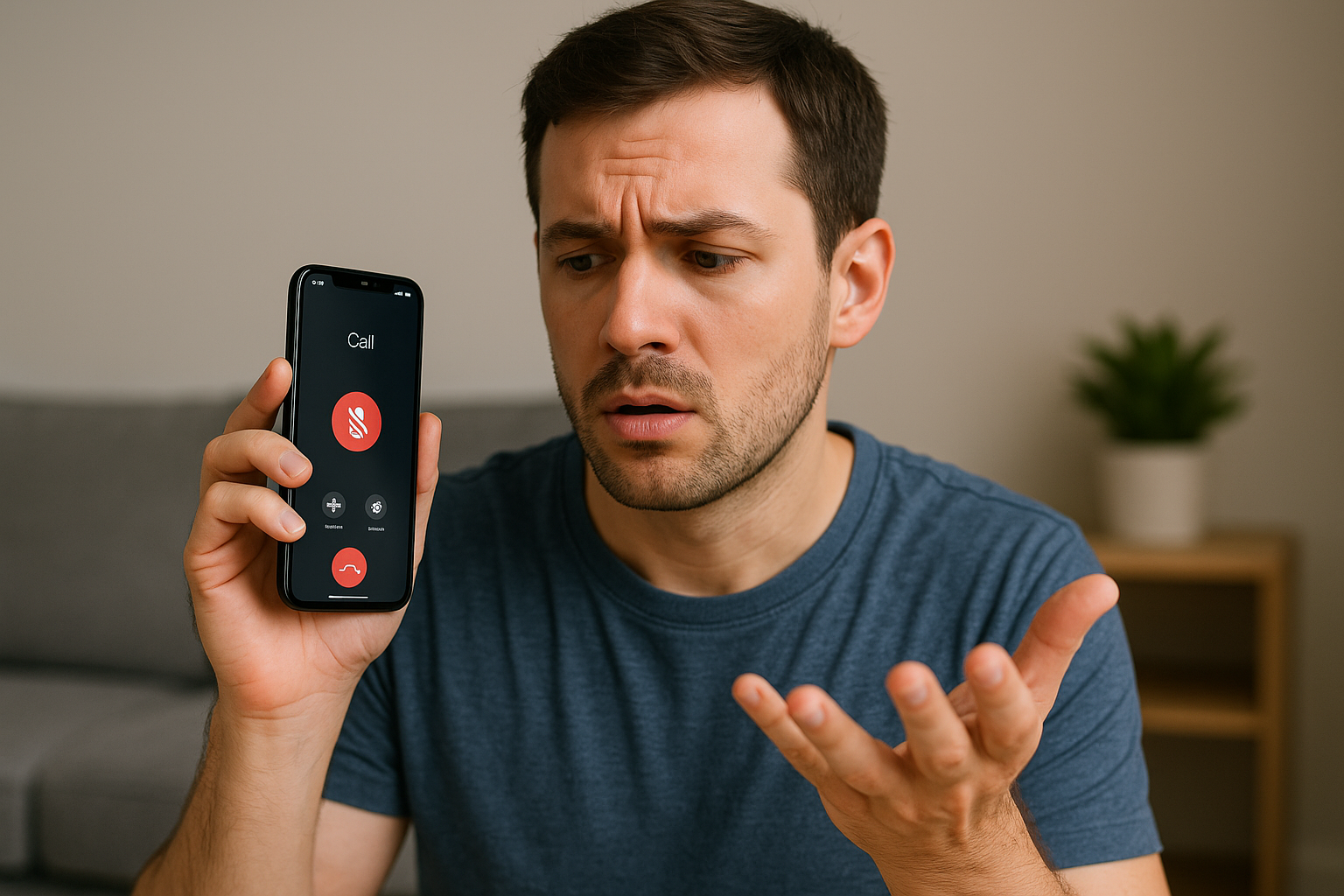
Losing sound in the middle of an important call is one of the most frustrating experiences for any smartphone user. You’re mid-conversation, and suddenly, silence—no ring, no voice, not even a faint buzz. Whether it’s your phone’s speaker, microphone, or a sneaky software glitch causing the problem, understanding the root cause is essential before it worsens.
At Reparation Tech, our certified technicians have seen hundreds of cases where phones lose sound randomly—often right before complete audio failure. This blog breaks down the common causes, how to troubleshoot safely at home, and when to seek professional repair at our Montreal repair location.
This topic falls under YMYL (Your Money or Your Life) because it involves user safety and device integrity. Our goal is to guide you with trustworthy, practical advice to prevent permanent hardware damage.
Section 1: Understanding the Problem — Why Phones Lose Sound Randomly
Phones are designed with multiple audio pathways: the earpiece speaker for calls, the bottom loudspeaker for media, and the microphone for voice input. When sound cuts out during calls, it usually indicates a breakdown in one of these pathways.
1. Hardware-Related Causes
- Dust and Moisture Damage: Over time, dirt, pocket lint, or moisture can block your phone’s speaker grills and microphone holes. Even a thin layer of residue can interrupt sound transmission.
- Loose Speaker or Mic Connection: Internal flex cables can detach slightly due to accidental drops or poor-quality replacements.
- Damaged Audio IC (Integrated Circuit): On devices like iPhones, the Audio IC chip is prone to failure due to repeated physical stress or overheating.
- Worn-Out Headphone Jack or Lightning Port: For phones that rely on audio routed through these ports, corrosion or wear can interrupt the sound flow.
If you’ve dropped your phone recently or noticed the issue worsening after exposure to water, it’s best to book a diagnostic service through Repair a Device.
2. Software and System Issues
Software errors are another common culprit. Your phone may lose sound because of:
- Outdated OS Versions: Missing patches or firmware updates can cause audio miscommunication between hardware and software.
- Corrupted Audio Drivers: Especially after system updates or third-party app installations.
- App Interference: Some communication apps override your device’s default sound routing.
- Network Switching Glitches: Transitioning between LTE, VoLTE, or Wi-Fi calls can occasionally mute call audio due to codec mismatches.
Before assuming hardware damage, always perform a system reboot and clear cache memory. This often restores normal sound output instantly.
Section 2: Step-by-Step Troubleshooting You Can Try at Home
Here’s how you can identify and resolve the issue safely before visiting a repair center.
Step 1: Restart and Test in Safe Mode
Restarting clears temporary system conflicts. Booting into Safe Mode (Android) or using iPhone’s diagnostic mode helps identify whether a third-party app is interfering.
If sound works normally in this mode, uninstall recently downloaded apps.
Step 2: Check Audio Output Settings
Sometimes, Bluetooth audio devices stay connected in the background. Toggle Bluetooth off to see if the sound returns. On iPhones, also check the Control Center for AirPlay routing issues.
Step 3: Inspect Speaker and Mic Ports
Use a soft-bristled brush or compressed air to clean debris from your speaker and microphone openings. Never use metal pins or needles—they can puncture delicate components.
Step 4: Run Audio Diagnostics
- On Android, dial
*#0*#→ select Speaker or Mic Test. - On iPhone, use Voice Memos to record and play back audio.
If playback is faint or silent, it’s likely a hardware issue.
Step 5: Perform a Full Software Reset
If none of the above helps, back up your data and perform a factory reset. This eliminates deep-rooted bugs that corrupt sound output. Afterward, restore only essential apps to test audio performance.
Still no improvement? Schedule a diagnostic at our About Us page to have a certified technician inspect the board-level connections.
Section 3: Advanced Solutions for Persistent Sound Dropouts
When basic fixes don’t work, you might be dealing with deeper hardware or firmware issues that require professional attention.
A. Audio IC or Codec Failure
The Audio IC chip is the communication bridge between your phone’s microphone, speaker, and main processor.
Signs include:
- Intermittent sound during calls
- “No Service” or “Stuck on Apple logo” (for iPhones)
- Cracking or popping noises during playback
In such cases, the IC chip often needs re-soldering or replacement—services we perform at Reparation Tech using precision micro-soldering tools.
B. Microphone Line Damage
If callers can’t hear you, the problem may lie in the mic line circuit. Our technicians can trace the signal from the microphone’s entry point to the logic board, identifying if corrosion or voltage issues are at fault.
C. Corrosion and Water Exposure
Even brief contact with humidity or spills can corrode circuits. Symptoms include:
- Random sound drops
- Distorted call audio
- Volume fluctuation
Our water-damage recovery service under Repair a Device can restore most phones if addressed early.
D. Firmware Reinstallation
For phones suffering from repeated software crashes or failed updates, technicians reinstall the original firmware image to reset all audio routing settings. This is often the safest fix before considering hardware repair.
Section 4: Preventing Future Sound Problems
A few proactive habits can save you from recurring sound issues:
- Avoid Moist Environments: Even steam from showers can cause condensation inside your device.
- Clean Speaker Grills Regularly: Dust acts like insulation, reducing sound clarity.
- Use Original Accessories: Cheap chargers and earphones can send incorrect voltage through audio circuits.
- Keep Software Updated: New patches often fix low-level sound driver issues.
- Seek Repairs Early: Small issues can evolve into full board damage if ignored.
You can also explore our Buy a Device and Sell a Device pages if your phone’s audio system is beyond repair—our refurbished devices come with guaranteed sound quality and verified components.
FAQs
Q1: Why does my phone lose sound during calls only sometimes?
This usually indicates a loose internal connection or software interference. Apps like WhatsApp or Telegram may reroute audio differently than the dialer app, causing intermittent dropouts.
Q2: Can water damage cause sound loss even after drying?
Yes. Even when dry, corrosion under IC chips can continue spreading. It’s best to visit your nearest Reparation Tech location for inspection.
Q3: What’s the difference between earpiece and loudspeaker issues?
Earpiece handles call audio, while the loudspeaker controls music, media, and hands-free calls. A technician can test both circuits separately during a diagnostic.
Q4: Is it safe to clean the speaker with alcohol or cleaning liquid?
No. These can dissolve the mesh or cause short circuits. Use only a dry brush or visit a certified technician for safe cleaning.
Conclusion
When your phone randomly loses sound during calls, it’s not just an inconvenience—it’s often a sign of an underlying issue that can worsen over time. The right approach is to isolate whether the problem stems from hardware, software, or moisture, then act quickly.
At Reparation Tech, our technicians specialize in diagnosing and fixing complex sound-related issues with precision tools and original parts. Whether it’s an audio IC replacement or mic calibration, we ensure your phone returns to full functionality safely.
If your sound problem persists, book your repair through Repair a Device or visit our location to get expert help right away.
Disclaimer
This blog is for informational purposes only. Troubleshooting steps are meant for general guidance. Always consult a professional technician before attempting hardware-level repairs or opening your device.
 English
  French