
Written by: Lucas Mason
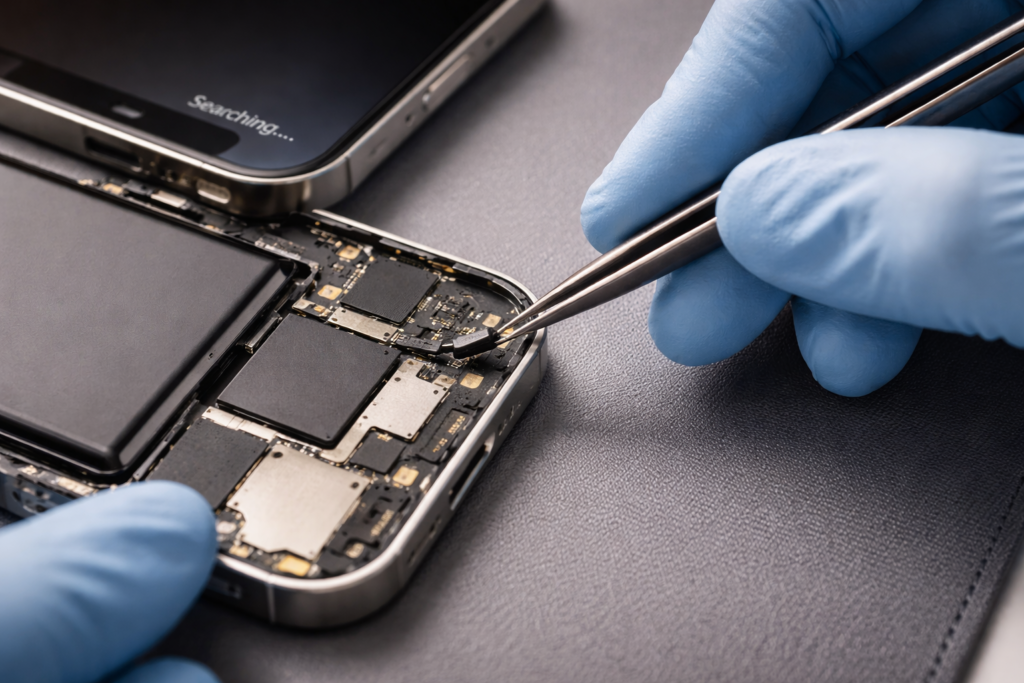
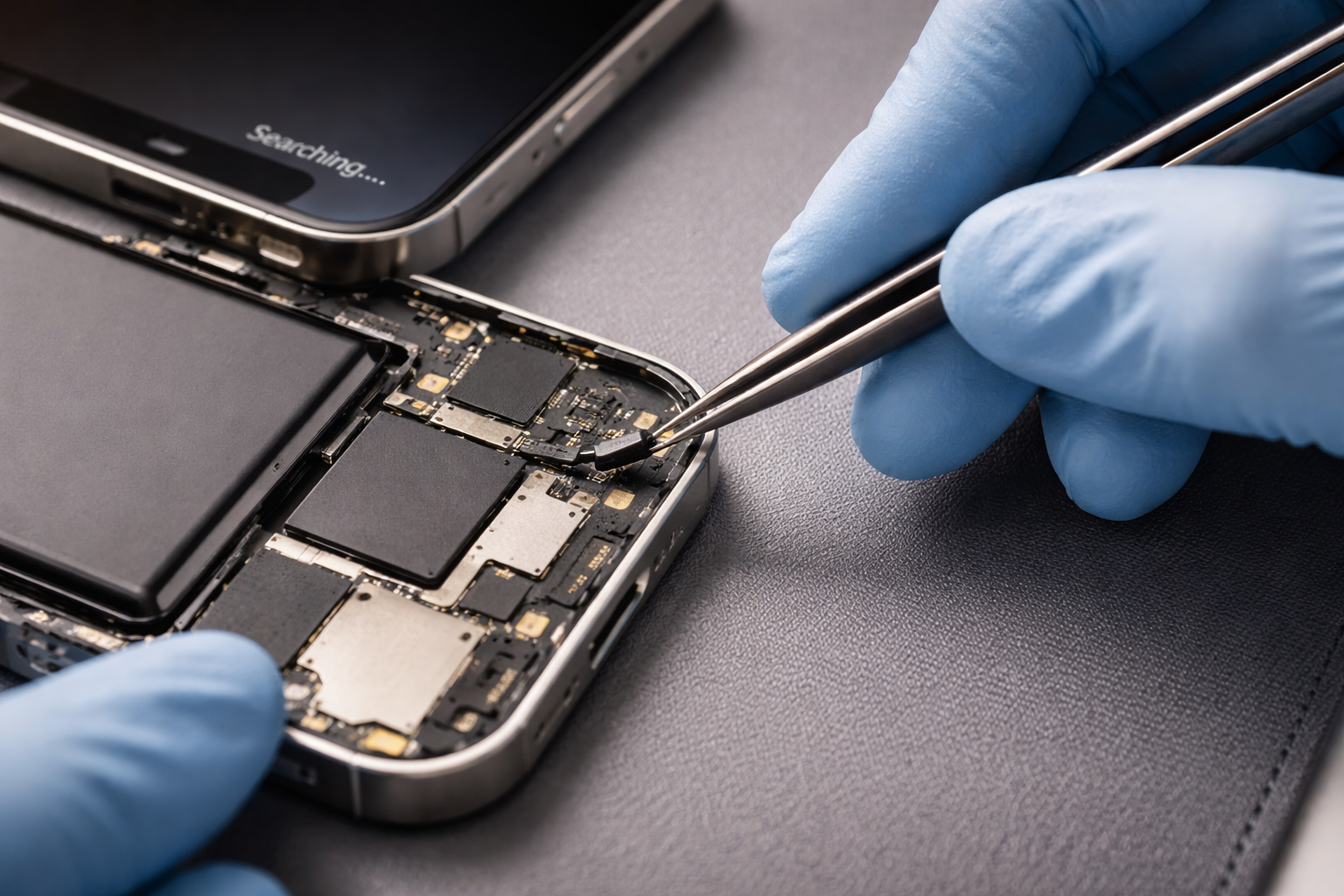
You just finished a successful screen or battery swap. The display looks crisp, and the power is steady. But then you notice the corner of the screen: it simply says “Searching…” or “No Service.” This is a heart-sinking moment for any DIYer or technician.
If you need to fix phone stuck on searching after repair, you aren’t alone. This is one of the most common post-repair bugs. Usually, it doesn’t mean you broke the motherboard. Instead, it often points to a tiny disconnected cable or a simple software glitch caused by the power cut. Whether you are currently trying to track a repair or troubleshooting at home, this guide will help you get those bars back.
Section 1: Why Your Signal Vanishes After a Repair
Modern smartphones are packed with tightly squeezed components. The cellular antenna isn’t just one part; it’s a chain of cables, gold contacts, and logic board chips. When you open a device for a repair, you must move these parts.
The “Searching” status means your phone’s modem is powered on. However, it cannot complete a “handshake” with the cell tower. According to industry telecommunications standards, even a tiny gap in an antenna connection can cause total signal loss. If a cable is loose by even a millimeter, the phone fails to connect.
Section 2: Key Reasons for Post-Repair Signal Loss
Based on years of bench experience, these are the most likely culprits:
1. The Disconnected Coaxial Cable
Most phones use tiny, blue or black “coax” cables. These snap onto the motherboard like a tiny button. During a battery replacement, technicians often move these out of the way. If you don’t hear a distinct “click” during reassembly, the cable isn’t connected.
2. Misaligned Grounding Clips
Look at the back of your screen or the internal shields. You will see small, gold-colored spring tabs. These must touch the phone’s metal frame to ground the antenna. If they get bent flat or dirty during the fix, your signal will vanish.
3. The Date and Time Bug
This is the “secret” fix. When you disconnect the battery, the phone’s internal clock often resets to a default date (like January 1, 1970). Cellular networks require a “secure handshake” that uses the current time. If your phone thinks it is 1970, the tower will reject the connection.
Section 3: Practical Steps to Restore Your Service
Follow this checklist to diagnose the problem without wasting time.
- Step 1: Update Date & Time. Connect to Wi-Fi immediately. Go to Settings > General > Date & Time. Ensure “Set Automatically” is toggled on. If the time is wrong, your signal will stay stuck on “Searching.”
- Step 2: Toggle Airplane Mode. This refreshes the “Baseband” (the phone’s internal modem). Turn it on for 20 seconds, then off.
- Step 3: Clean the SIM Card. Dust often enters the SIM tray while the phone is open. Eject the tray and wipe the gold contacts with a microfiber cloth.
- Step 4: Internal Inspection. If software fixes fail, you must look inside. Check the “U.FL” connectors (the round antenna plugs). Ensure no cables are pinched under the battery or the new screen.
If you aren’t comfortable opening the phone again, you should get an instant quote for a professional diagnostic. Prying the phone open too many times can damage the delicate water-resistant seals.
Section 4: Conclusion and Final Thoughts
To fix phone stuck on searching after repair, patience is your best tool. Most of the time, the fix is as simple as connecting to Wi-Fi to sync the clock or snapping a cable back into place.
If you have tried everything and still have no signal, the issue might be a “Baseband” hardware failure. This requires professional tools and expertise. You can visit us at our repair location for a deep-dive look. Our goal at Reparation Tech is to ensure your device is as reliable as the day you bought it.
FAQs
Why does my iPhone say ‘Searching’ even without a SIM card?
This usually means the phone’s modem is working but can’t find a network. If it says “No SIM” instead, the reader is working. If it stays on “Searching” forever, it’s likely a hardware antenna issue.
Can a cheap screen cause signal issues?
Yes. Some low-quality screens lack the proper metal shielding or grounding points. This can “blind” the internal antenna.
What if my IMEI is missing in settings?
If you dial *#06# and no number appears, your modem (Baseband) is likely damaged or not receiving power. This is a serious hardware issue.
Disclaimer: This article is for informational use. Repairing mobile devices carries risks, including electric shock or permanent data loss. If you are unsure, please consult a certified technician.
 English
  French