
Written by: Lucas Mason
If your phone only charges when the cable is held at a very specific angle, you’re not imagining things. A loose charging port is one of the most common—and frustrating—device issues I see in daily repair work. Over time, tiny connection gaps, debris buildup, or worn components can interrupt the steady flow of power, leading to slow charging or complete failure.
Having worked hands-on with hundreds of smartphones at ReparationTech’s professional repair center, I’ve seen how small problems can quietly turn into costly repairs if ignored. This guide walks you through how to fix a loose charging port, what you can safely try at home, and when it’s time to stop troubleshooting and get expert help.
Section 1: Understanding a Loose Charging Port
A charging port becomes loose when the internal connector no longer sits firmly against the charging cable. This usually happens due to everyday wear rather than sudden damage. Repeated cable insertions, pocket lint accumulation, and accidental tugs on the cord all contribute over time.
According to Apple’s official device care guidance, debris buildup inside the charging port is a leading cause of intermittent charging issues and should be addressed carefully before assuming hardware failure. The port’s metal contacts are delicate, and even slight misalignment can interrupt power flow.
If you’re already dealing with battery drain concerns, it’s worth reading how charging habits affect battery lifespan on the ReparationTech smartphone repair services page, where we break down common power-related issues in more detail.
Section 2: Common Causes Behind Charging Connection Problems
Lint and Dust Accumulation
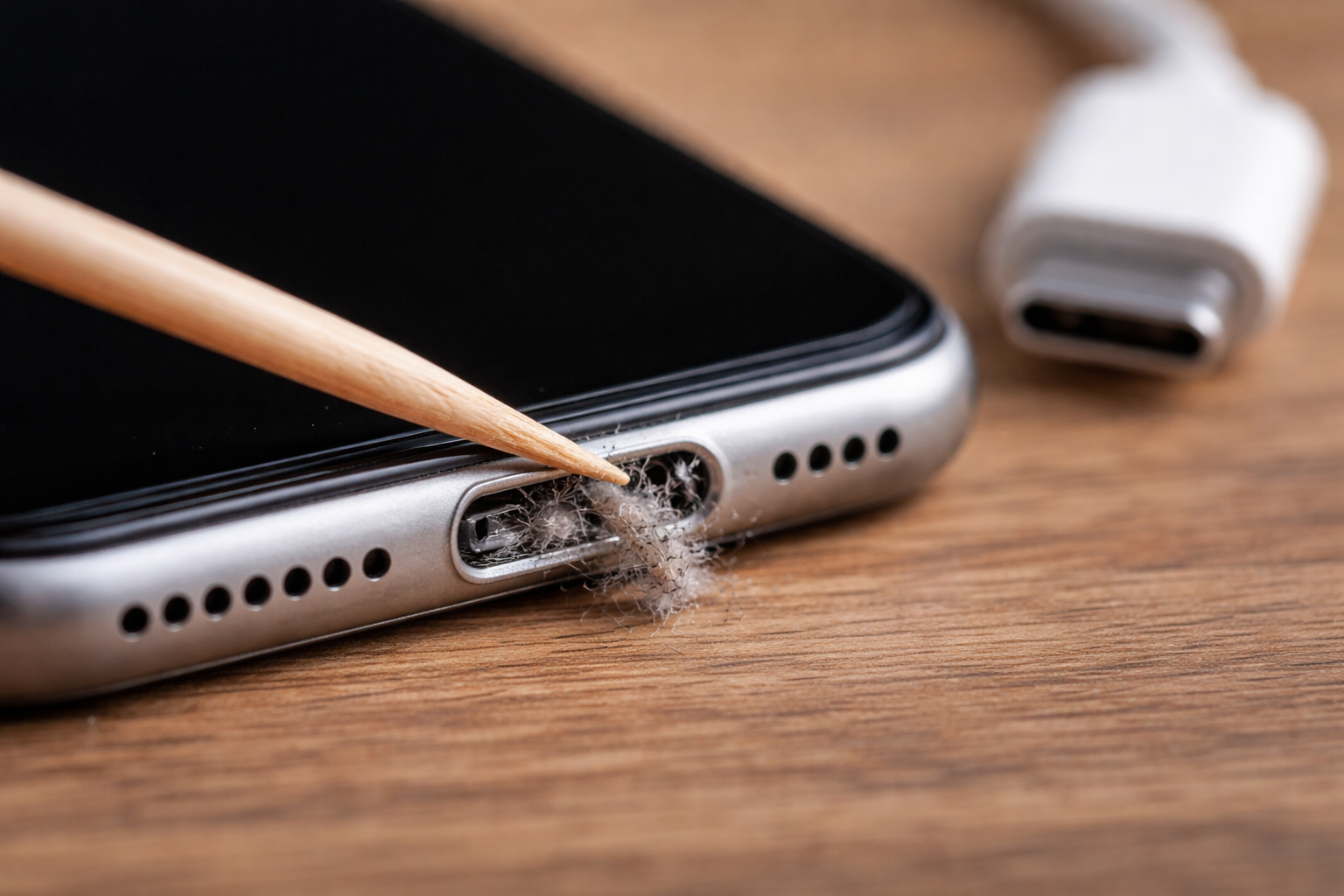
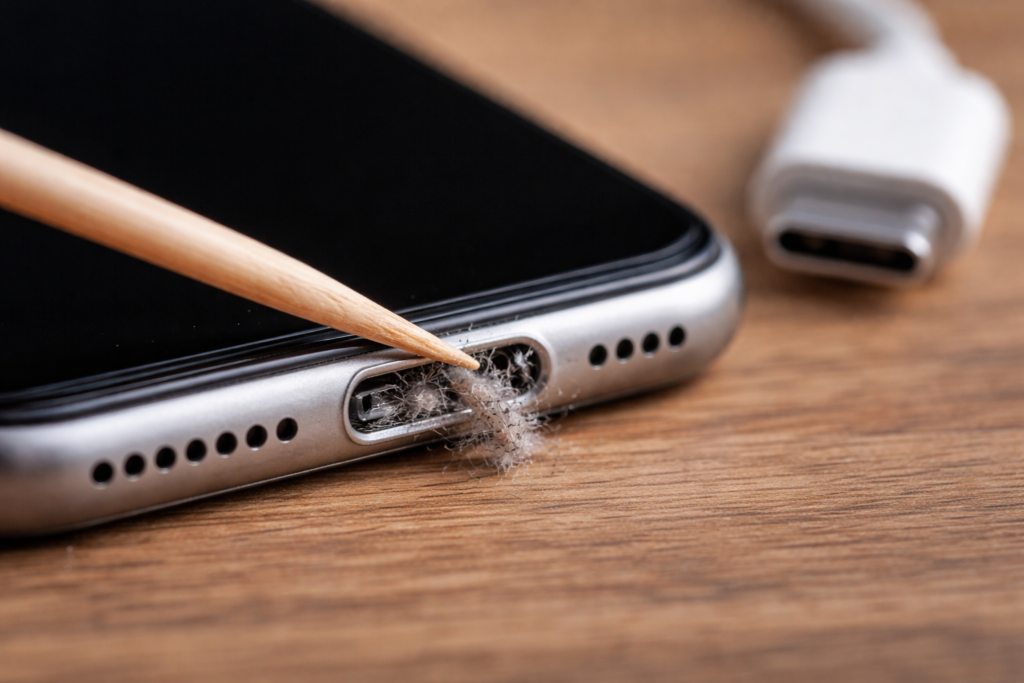
Pocket lint is the silent culprit behind many charging issues. Over weeks or months, compressed debris forms a barrier between the cable and connector, making the port feel loose even when it’s not physically damaged.
Worn Charging Cables
A damaged cable can mimic port failure. Before assuming the worst, test with a certified replacement charger. Apple notes that non-certified cables can loosen internal connectors faster than intended.
Internal Connector Wear
When internal pins wear down or detach from the charging assembly, the cable won’t stay snug. This is especially common in older devices or phones frequently used while charging—like during navigation or gaming.
If your device has already been opened or repaired before, internal wear can progress faster. We often see this during inspections at our device diagnostics and repair service.
Section 3: How to Fix a Loose Charging Port at Home (Safely)
Before attempting any repair, power off your device completely.
What you can safely try:
- Use a wooden toothpick or soft anti-static brush to gently remove visible debris.
- Shine a flashlight into the port to confirm it’s clear.
- Test with a different certified charging cable and adapter.
What to avoid:
- Metal objects like paperclips or needles.
- Compressed air at close range (it can push debris deeper).
- Applying pressure to “tighten” the port.
If the connection still fails after cleaning, stop there. Forcing a cable into a damaged port can break the internal charging flex, turning a minor fix into a full replacement. At that stage, professional charging port repair—like the services outlined on our phone repair solutions page—is the safer and more cost-effective option.
Section 4: Conclusion and Final Thoughts
Trying to fix a loose charging port at home can work when the issue is minor, but knowing your limits matters. Light cleaning and cable testing are reasonable first steps. Persistent looseness, heat during charging, or sudden power drops usually signal internal damage that requires professional attention.
Staying informed helps you avoid unnecessary replacements and protects your device long-term. If you’re unsure, a quick inspection from a qualified technician can save both time and frustration. For deeper insights into common phone hardware issues, exploring the resources on ReparationTech’s repair blog is a great next step.
FAQs
Why does my phone only charge at an angle?
This usually means the charging cable isn’t making full contact with the port, often due to debris or worn internal connectors.
Can a loose charging port damage my battery?
Yes. Inconsistent power delivery can cause heat buildup and long-term battery degradation.
Is charging port repair expensive?
It depends on the device model, but addressing it early is almost always cheaper than replacing the phone.
How long does a professional charging port repair take?
Most standard repairs can be completed the same day, depending on part availability.
Disclaimer: This guide is for informational purposes only. Handling electronic components carries a risk of damage or personal injury. If you are unsure of your ability to safely clean or troubleshoot your device, please consult a qualified technician.
 French
  English