
Written by: Lucas Mason
Introduction: The Mystery of the Selective Silence
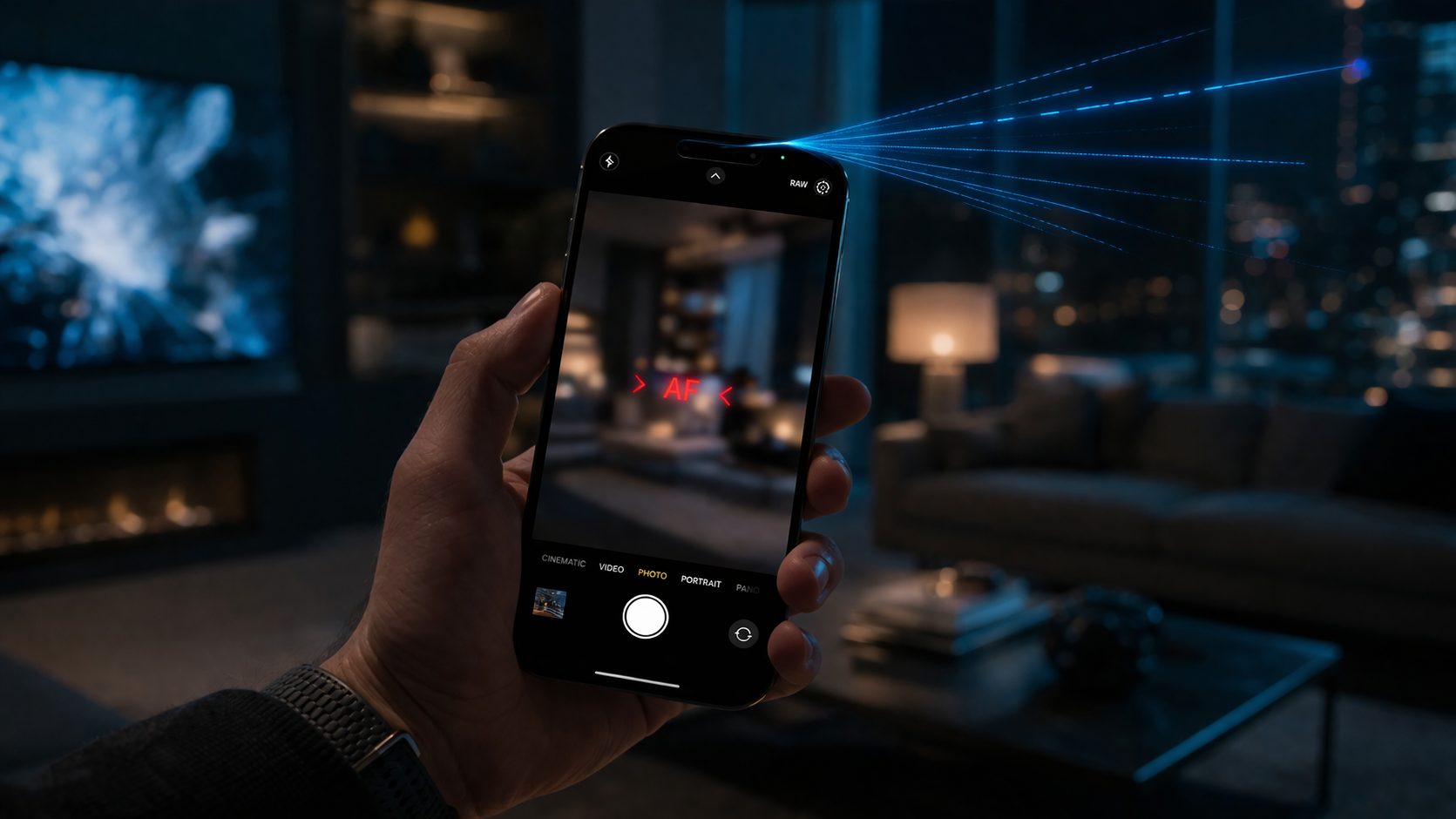
It is a frustratingly specific glitch that we see more often than you’d think at the repair bench. You’re mid-conversation on a standard voice call, and everything sounds crystal clear. But the second you try to dictate a text, summon Siri, or record a quick video of your kid’s birthday, your phone acts like it’s gone stone-deaf.
In 2026, as our devices become more reliant on localized AI processing, the “Muffled AI” phenomenon has become a major headache for users. When your phone microphone is not working for Siri or video, it isn’t just a software bug; it’s usually a hardware identity crisis. Having spent years diagnosing these specialized audio paths, I can tell you that “the microphone” isn’t just one hole at the bottom of your device anymore—it’s a complex ecosystem of sensors that can fail independently.
Section 1: Understanding the Multi-Microphone Architecture
Most modern smartphones use a minimum of three distinct microphones to handle different tasks. This redundancy is why you can experience total silence in a video recording while still being able to call your mom without issue.
- The Primary Mic: Usually located at the bottom, dedicated to traditional voice calls.
- The Rear Mic: Positioned near the camera assembly, specifically tuned for video audio and background noise cancellation.
- The Top/Front Mic: Located near the earpiece, this is the primary sensor for Siri and voice memos.
When Siri stops responding or your videos have a persistent hiss, it’s almost always a sign that the front or rear auxiliary microphones have been compromised. If you aren’t sure which one is acting up, you can track a repair progress to see how our team identifies these specific component failures.
Section 2: Why the Phone Microphone is Not Working for Siri or Video
Hardware Obstructions and Environmental Wear
In 2026, the mesh protectors on our devices have become finer than ever to achieve higher water-resistance ratings. This makes them incredibly prone to microscopic clogging. Makeup, pocket lint, and even skin oils can create a “seal” over the Siri mic. Because these mics use high-gain settings to catch voice commands from across the room, even a tiny bit of debris can render them useless.
The “Drop” Effect on Digital MEMS
Modern phones use MEMS (Micro-Electro-Mechanical Systems). Unlike the bulky microphones of the past, these are tiny silicon chips. A single drop—even one that doesn’t crack your screen—can “shock” the soldering or the delicate diaphragm inside the top mic. We often see users who repair a device for a screen fix, only to realize the internal audio flex cables were the hidden victims of the impact.
Section 3: Practical Advice for Restoring Your Audio
Before you assume the worst, there are a few manual checks you should perform to see if you can restore functionality without a full teardown:
- The Tape Test: Carefully place a piece of scotch tape over the mic hole near the earpiece and pull it away. This can sometimes lift out the deep-seated debris that a brush can’t reach.
- Voice Memo Diagnostic: Open your built-in Voice Memos app. If it records clearly, the bottom mic is fine. Now, try recording a video with the front camera and then the back camera. This isolates exactly which module has failed.
- Check Case Interference: Some third-party cases might partially block the new mic placements on newer handsets.
If these steps don’t yield results, it’s time to seek a professional look. If your device is becoming more of a paperweight than a tool, you might even consider if it’s time to sell a device and upgrade, or simply get an instant quote for a targeted part replacement.
Section 4: Conclusion and Final Thoughts
A phone that can’t “hear” you is a significant handicap in an era where voice-to-text and AI assistants handle half our workload. Whether it’s a simple cleaning issue or a fractured flex cable, the selective silence of Siri and video recording is a solvable problem.
At Reparation Tech, we believe in transparency regarding how these complex machines function. If you’re tired of shouting at your phone only to be met with a spinning Siri globe and no response, stop by our location to have a technician run a full audio frequency test. Understanding your tech is the first step toward fixing it.
FAQs
Why does my microphone work for calls but not for videos?
This happens because phones use different microphones for different tasks. Your primary “call” mic at the bottom is likely fine, but the rear microphone used for video capture is either clogged or damaged.
Can a software update fix my Siri microphone?
Sometimes. If the issue is related to the software’s noise-cancellation algorithm, a hard reset or an OS update may recalibrate the sensors. However, if the “Voice Memos” app also fails to pick up sound, it is likely a hardware issue.
Where can I learn more about your repair process?
You can read more about us to see our commitment to quality parts and expert technical standards.
Disclaimer: This guide is for informational purposes only. Smartphone repairs involve delicate internal components; attempting to poke sharp objects into microphone holes can cause permanent damage to the hardware. Always consult a professional for internal hardware issues.
 French
  English