
Written by: Lucas Mason
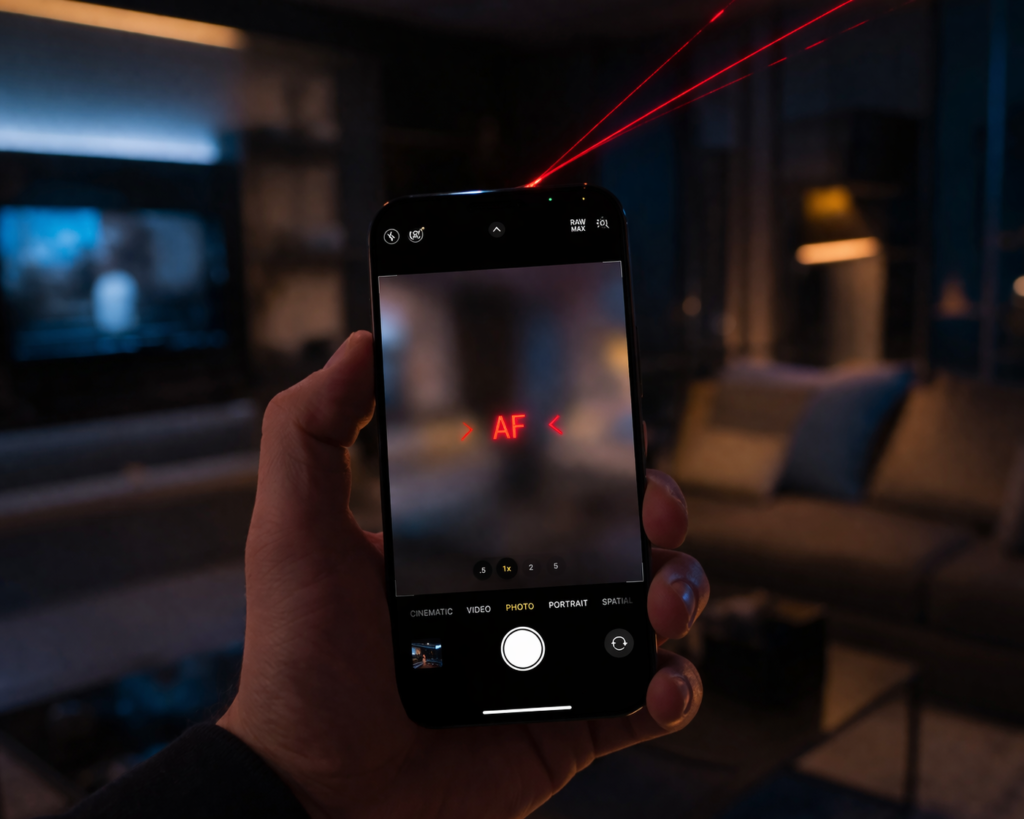
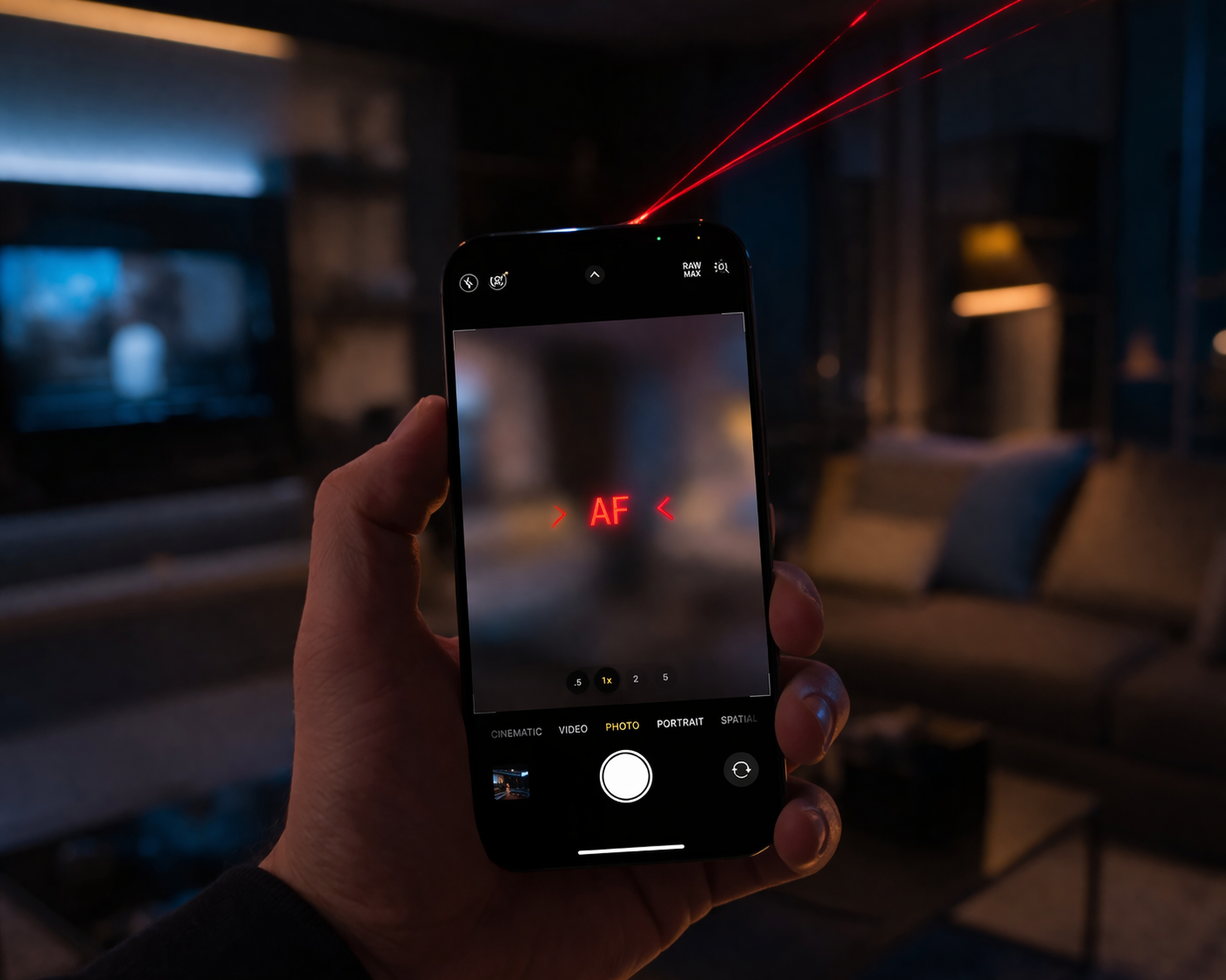
Mobile photography has changed forever. By 2026, we no longer rely solely on traditional lenses to capture the world. Instead, our devices use “light pulses” to see in 3D. But what happens when that vision goes dark? You open your camera app, and everything is a blurry mess. You try to tap to focus, but the lens just hunts back and forth.
This “AR blackout” is a growing problem for modern flagship users. It often isn’t a software glitch. Instead, the Lidar hardware responsible for depth sensing has failed. At ReparationTech, we see these precision failures often. If your phone camera won’t focus lidar correctly, you are likely dealing with a sensor that can no longer map its surroundings.
Section 1: Lidar’s Crucial Role in 2026 Focus Systems
In 2026, Lidar (Light Detection and Ranging) is the “eye” of your camera’s autofocus system. It works by shooting out invisible lasers. These lasers bounce off objects and return to the sensor. This allows your phone to build a 3D map of the room in milliseconds.
When you repair a device from this era, you see how integrated this sensor is. It handles low-light focusing and Augmented Reality (AR) placement. If the Lidar sensor fails, the camera loses its “ruler.” It no longer knows how far away your subject is. This leads to the frustrating blur that many users mistake for a simple dirty lens.
Section 2: Diagnosing the Lidar Failure
How do you know if your Lidar is the culprit? There are specific red flags that point toward hardware failure rather than a software bug.
The Low-Light Test
The easiest way to check is by taking a photo in a dark room. Traditional cameras struggle in the dark, but Lidar-equipped phones should focus instantly. If your camera works in bright sun but fails completely at dinner, your Lidar hardware is likely dead.
AR App Glitches
Open an AR app or the “Measure” tool. If the app cannot “find the floor” or if digital objects drift away, the sensor is failing. This hardware is sensitive to drops and heat. Even if your screen didn’t crack, a hard impact can knock the Lidar out of alignment. If your phone is too far gone, you may choose to sell a device for parts and upgrade to a newer model.
Section 3: Practical Advice for Restoring Your Vision
If your camera is blurry, don’t panic. Follow these steps to narrow down the fix:
- Clear the Path: Ensure your case isn’t covering the small, dark circular sensor near your camera lenses. Even a fingerprint on the Lidar glass can cause a focus blackout.
- Hard Restart: Force your phone to reboot. This resets the “handshake” between the camera software and the Lidar hardware.
- Check Your Stats: You can track-repair history if you bought the phone used. Previous poor-quality repairs can sometimes block the Lidar’s field of view.
- Get a Professional Quote: Lidar sensors are complex. They are often paired to the motherboard. To avoid a permanent lockout, get an instant quote from a shop that handles micro-electronics.
Section 4: Conclusion and Final Thoughts
A smartphone without a working camera feels incomplete in 2026. While we love our AR filters and portrait modes, they all rely on that tiny Lidar sensor. If your phone camera won’t focus lidar data, the “AR blackout” will keep your photos blurry and your apps broken.
Don’t settle for a device that can’t see straight. Most Lidar issues can be fixed by replacing the sensor module or cleaning the internal optics. To learn more about our team and how we handle these high-tech repairs, check out our about-us page. You can also visit our location for a hands-on diagnostic. Let’s get your world back in focus.
FAQs
Can a software update fix Lidar focus issues?
Only if the bug is widespread. If your friends’ phones work fine on the same update, your issue is almost certainly hardware-related.
Is Lidar repair expensive? It depends on the model.
Because the sensor is part of the camera housing, it is a specialized part. However, it is a much better investment than replacing the entire phone.
Will a screen protector cover the Lidar?
Some cheap screen protectors cover the entire “island” or camera bump. These can definitely interfere with the laser pulses and cause focus issues.
Disclaimer: This content is for informational purposes only. Lidar sensors use Class 1 lasers. Never attempt to disassemble these components yourself, as you may cause eye injury or permanent device damage.
 French
  English