
Written by Lucas Mason
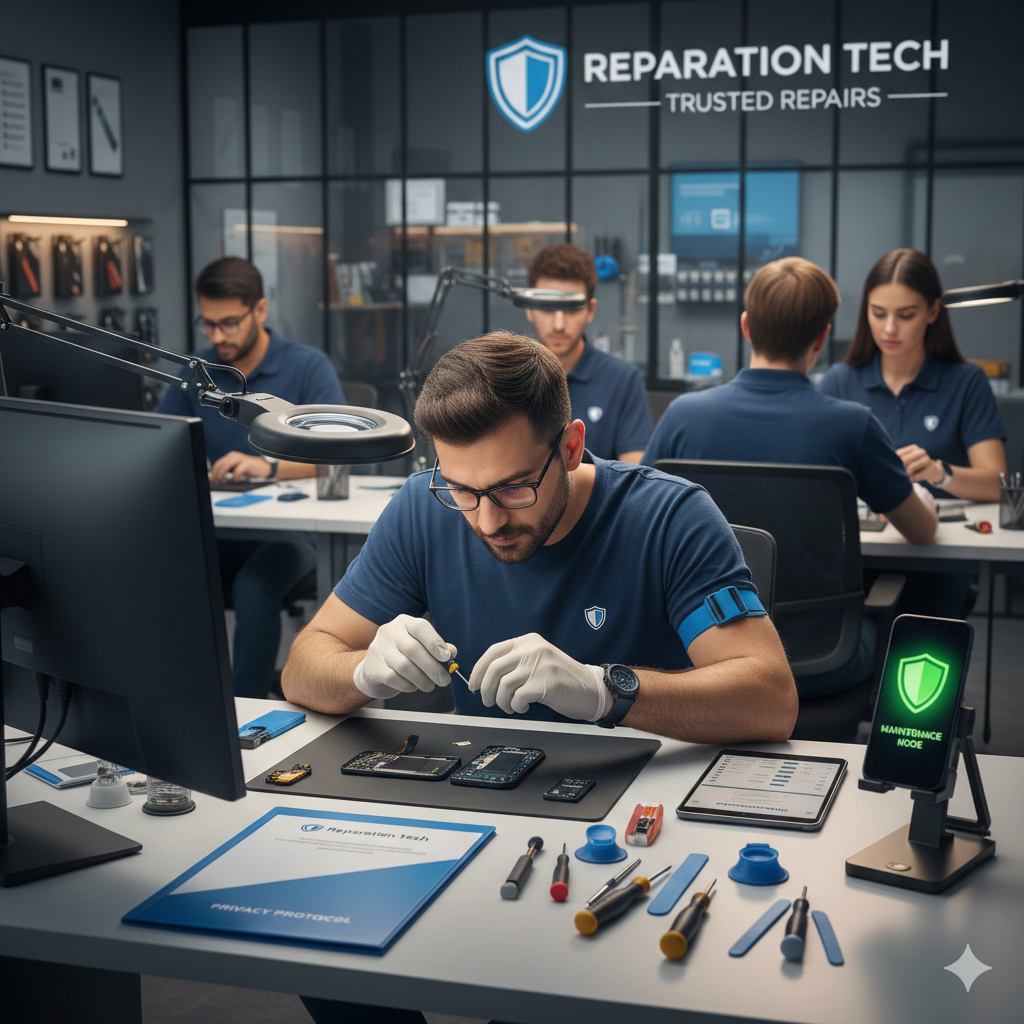
We live our entire lives through our smartphones. From private bank statements and medical records to intimate family photos and saved passwords, your phone is a digital extension of your identity. So, when your screen cracks or your battery begins to fail, the anxiety isn’t just about the cost of the fix—it’s about the security of your data.
“Is my data safe during a repair?” is the most common question we receive at Reparation Tech. As experts in the mobile repair industry with years of hands-on experience, we understand that trust is the foundation of every service. While most professional technicians are focused solely on the hardware, the risk of data exposure is a reality if the proper precautions aren’t taken.
Because your digital security affects your financial and personal well-being, this guide falls under the YMYL (Your Money or Your Life) category. We have crafted this comprehensive roadmap to help you navigate the repair process with total peace of mind.
Section 1: The Reality of Data Security in Phone Repairs
When you hand your phone to a technician, you are essentially providing physical access to a goldmine of information. While reputable shops like Reparation Tech have strict privacy protocols, it is vital to understand the landscape of data security.
Why Data Privacy Matters
According to a study by researchers at the University of Guelph, which analyzed privacy practices in electronics repair shops, a significant percentage of technicians “peeked” at customer data when devices were left unlocked. This highlights that while hardware repair is the goal, human curiosity or lack of internal policy can lead to privacy breaches.
Common Concerns
- Unauthorized Access: Technicians viewing private photos or messages.
- Data Loss: Software updates or motherboard repairs that might wipe the storage.
- Identity Theft: Access to cached passwords or banking apps.
Addressing these concerns isn’t about being paranoid; it’s about being prepared. By following a standard “pre-repair checklist,” you eliminate the opportunity for your data to be compromised.
Section 2: Essential Steps to Take Before the Repair
Preparation is your best defense. Before you even walk into a shop or request an instant quote, follow these expert-backed steps.
1. The Golden Rule: Back Up Your Data
Never hand over a device that hasn’t been backed up recently. Hardware repairs, especially those involving the logic board or liquid damage, carry a risk of data loss.
- iPhone Users: Use iCloud or a local backup via Finder/iTunes on a PC.
- Android Users: Sync with Google Drive and back up photos to Google Photos.
2. Enable “Maintenance Mode” or “Repair Mode”
Modern manufacturers have recognized the privacy risks of repairs.
- Samsung Maintenance Mode: This hides your personal data (photos, messages, accounts) while allowing the technician to access basic functions to test the repair.
- Apple Repair State: With iOS 17.5 and later, Apple introduced “Repair State,” which allows a device to be tracked and repaired without turning off Find My or revealing personal data.
3. Remove Sensitive Cards and Accounts
If your phone is functional enough to navigate:
- Remove SIM and SD Cards: These hold your phone number and potentially gigabytes of unencrypted photos.
- Log Out of Financial Apps: While biometrics usually protect these, it’s safer to have the app logged out entirely.
Section 3: How to Choose a Trustworthy Repair Partner
Not all repair shops are created equal. Building EEAT (Experience, Expertise, Authoritativeness, and Trustworthiness) starts with how a business handles your device.
Look for Professionalism
A reputable shop will never ask for your lock screen passcode unless it is absolutely necessary for testing (such as checking camera functionality or signal strength). Even then, many shops can test these features using a “Guest” account or emergency call screen.
Ask the Right Questions
Before committing to a service at a location near you, ask:
- “Do you have a written privacy policy?”
- “Will you need my passcode to complete the repair?”
- “How do you ensure my data isn’t accessed during the process?”
Tracking the Process
Transparency is key. Using a system to track your repair ensures you know exactly what stage your device is in, minimizing the “dead time” where a device sits idle and vulnerable.
Section 4: Practical Advice for Different Repair Scenarios
Scenario A: The Screen is Completely Black
If you can’t see anything, you can’t “wipe” the phone or turn on Maintenance Mode. In this case, your best bet is to use a service that allows you to repair a device with a “data-safe” guarantee. Professionals use external monitors to test the device without needing to bypass your security.
Scenario B: Selling Your Device
If you aren’t repairing but rather looking to sell a device, the protocol changes. You must perform a Factory Reset. Simply deleting photos isn’t enough; an encrypted wipe ensures that data recovery tools cannot pull your old information from the flash storage.
Section 5: Conclusion and Final Thoughts
Your data is arguably more valuable than the phone itself. While the hardware can be replaced or fixed, a privacy breach is permanent. By backing up your info, using built-in privacy modes, and choosing a transparent provider like Reparation Tech, you can ensure your digital life remains private.
If you’re unsure about the state of your device or want to learn more about our privacy protocols, visit our About Us page or browse our online shop for DIY protection tools like privacy screen protectors.
FAQs (Frequently Asked Questions)
Q1: Does a technician need my passcode to fix a cracked screen?
A1: Technically, no. They can verify if the touch works and the display is clear from the lock screen. However, to test things like the front-facing camera, proximity sensor, and light sensor, they might need access. If you are uncomfortable, ask if you can be present during the post-repair test to unlock it yourself.
Q2: Will my data be deleted during a battery replacement?
A2: Usually, no. A battery replacement is a hardware-only procedure. However, there is always a 1% risk of a short circuit or software glitch. Always back up your data regardless of how “simple” the repair seems.
Q3: Is it safer to go to a manufacturer or a third-party shop?
A3: Manufacturers have standard protocols, but they often “factory reset” devices by default as part of their workflow. Local professional shops often prioritize “data preservation,” meaning they try to fix the phone without wiping it.
Disclaimer
The information provided in this post is for educational purposes only. While we follow industry-standard security practices, Reparation Tech is not liable for data loss occurring due to hardware failure or pre-existing software issues. We strongly recommend all customers consult with our technicians or perform a full backup before any service.
 English
  French