
Written by Lucas Mason
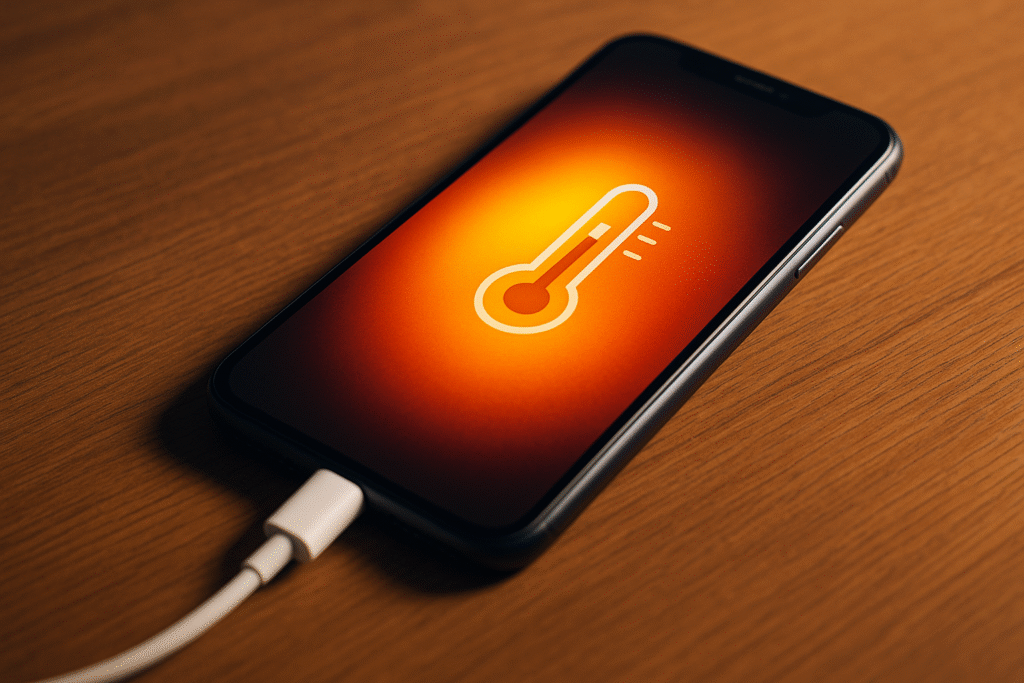
Ever grabbed your phone mid-charge only to feel it burning up in your hand? You’re not alone. Phone overheating while charging has quietly become one of the most common — and misunderstood — device issues today. Many users ignore it until their battery performance tanks or, worse, the device refuses to charge altogether.
At Reparation Tech, our technicians see this problem every single day. Overheating isn’t just uncomfortable — it can shorten your battery’s lifespan, damage the motherboard, and create long-term performance issues. This blog uncovers the real causes no one talks about, how to fix them, and when you should bring your device to the experts.
Section 1: What Really Happens When Your Phone Overheats
Modern smartphones manage enormous power demands while charging. Inside every lithium-ion battery, small chemical reactions convert energy to store electricity. When this process accelerates — because of heavy usage, poor airflow, or faulty hardware — heat begins to build.
Your device tries to cool itself down by throttling performance or pausing charging, but constant exposure to high temperatures can cause:
- Battery swelling — gases form inside the cell
- Slower charging speeds — thermal protection kicks in
- Sudden restarts — internal temperature sensors react
- Permanent component damage if exposure continues
The key takeaway: overheating isn’t just a temporary nuisance; it’s an early warning sign that your phone’s power system needs attention.
Section 2: The Hidden Causes of Overheating No One Mentions
Let’s unpack what actually causes this heat buildup. Some reasons are obvious — like gaming while charging — but others often fly under the radar.
1. Fast Chargers and Incompatible Cables
Everyone loves fast charging, but not every charger suits your phone’s battery design. Cheap third-party adapters or mismatched cables can push excess voltage, creating energy friction — and heat.
If your phone feels unusually hot after a short charge, switch back to the original charger. Or, if you’ve already damaged your charging port, get it inspected through Repair a Device.
2. Heavy Usage During Charging
Streaming, gaming, or running navigation apps while charging makes the phone work twice as hard — one circuit charging, the other draining. This tug-of-war forces your processor and battery to compete, producing constant heat.
Tip: let the phone rest for the first 15-20 minutes of charging. Once it cools slightly, resume your activity.
3. Clogged Charging Port or Dusty Cases
Tiny dust particles inside your port restrict the flow of electricity, causing mini-arcs of resistance that heat components. Likewise, thick or dirty cases trap that heat instead of letting it dissipate.
Cleaning the port gently with a soft brush and keeping your case clean can prevent future temperature spikes.
4. Software Bugs and Background Processes
Sometimes, the issue isn’t hardware at all. Background apps, outdated firmware, or rogue updates keep your CPU busy long after you lock the screen. This continuous load keeps internal temperatures high even while charging overnight.
Updating your system or doing a factory reset often resolves unseen software loops.
5. Battery Health Decline
Every battery has a lifespan. After 500–800 full charge cycles, its ability to handle current safely diminishes. Aging cells generate more heat, even under normal loads.
You can check battery health under system settings. If it’s below 80 %, visit our experts through Location to assess if a replacement is due.
Section 3: Practical Fixes and Smart Charging Habits
Here’s where most people go wrong — they assume a hot phone means “let it cool.” That’s good, but prevention goes far deeper.
Cool-Down Checklist
- Unplug Immediately: if it’s uncomfortably hot, disconnect the charger.
- Remove the Case: allow airflow around the battery area.
- Move to a Cool Surface: avoid pillows, beds, or direct sunlight.
- Close Background Apps: free up CPU resources.
- Replug Once Cool: ideally when surface temperature feels normal.
Smart Charging Tips That Extend Battery Life
- Keep the charge between 20 % and 80 % — full cycles stress the cell.
- Use certified cables only; avoid uncertified replacements.
- Update your system to ensure thermal-management firmware works correctly.
- Don’t charge and stream simultaneously.
- Avoid overnight charging unless your phone has adaptive controls.
When unsure about charger compatibility, our specialists at Reparation Tech can recommend safe accessories or even help you Buy a Device with optimized charging systems.
When It’s Not the Charger — and You Need a Technician
Persistent overheating could point to:
- A faulty charging IC (the chip controlling power input)
- Damaged thermal sensors
- Internal short circuits due to moisture or corrosion
In such cases, professional inspection is essential. Our team can run diagnostics and replace damaged parts through our Repair a Device service — usually within the same day.
Section 4: Prevent Overheating Before It Starts
The best repair is prevention. Here’s how to ensure long-term battery health and stable performance.
1. Charge in a Cool Environment
Room temperature between 18 °C and 25 °C is ideal. Avoid leaving your phone on dashboards, windowsills, or under direct sunlight during charging.
2. Avoid Heavy Cases and Unnecessary Add-Ons
Metal-back or extra-thick cases look stylish but act like heat traps. Use lightweight, breathable cases that allow heat to escape naturally.
3. Schedule Charging Times
Instead of overnight charging, schedule quick top-ups in the morning or afternoon. Most phones reach 80 % in under 40 minutes — no need for extended plugs.
4. Monitor Your Battery Temperature
Use built-in battery-health apps to keep track of real-time temperature. Anything above 42 °C during charging signals potential trouble.
5. Replace Batteries Before Failure
Don’t wait for the swelling stage. Once you notice consistent heat, shorter screen-on times, or slower charging, it’s time for maintenance. Our professionals can guide you through safe replacements at any Reparation Tech Location.
Section 5: When Overheating Damages Other Components
Ignoring persistent overheating can cause ripple effects.
- Display Damage: AMOLED screens suffer from thermal spots.
- Battery Expansion: pressure can crack your back glass.
- Motherboard Corrosion: long exposure warps connectors.
- Performance Drops: the system throttles CPU speed permanently.
That’s why timely service at Reparation Tech prevents expensive damage later.
Section 6: When DIY Fixes Aren’t Enough
You can only do so much at home. If your phone still overheats after these precautions, it’s time for a hands-on inspection.
Our technicians specialize in advanced diagnostics — checking power ICs, recalibrating voltage flow, and cleaning thermal pathways. Whether you need to Sell a Device, Buy a Device, or simply repair it, you’ll get transparent service and quality parts backed by a warranty.
Conclusion: Keep Your Phone —and Battery — Cool for the Long Run
A warm phone isn’t just an inconvenience; it’s your device asking for help. Heat is the enemy of longevity, and managing it ensures smoother performance, safer charging, and extended battery life.
At Reparation Tech, we don’t just fix problems — we teach you how to avoid them. Visit our About Us page to learn more about our certified repair specialists, or book your inspection today through Repair a Device.
FAQs
Q1: Is it normal for my phone to get warm while charging?
Yes, mild warmth is fine. But if it becomes hot to touch or uncomfortable to hold, unplug and let it cool. Persistent heat may mean internal issues.
Q2: Can fast charging damage my battery over time?
Not if you use the manufacturer-approved charger. Cheap alternatives or inconsistent voltage cause harm, not genuine fast-charge tech.
Q3: What should I do if my phone shuts off from heat?
Allow it to cool naturally in shade. Avoid refrigeration or cold air directly. Restart once it feels normal to the touch.
Q4: Why does my phone overheat after an update?
Background re-indexing post-update can stress the CPU for a few hours. Let the phone idle plugged out until processes stabilize.
Q5: When should I seek professional repair?
If overheating happens daily or during light usage, it’s likely hardware-related. Visit our Location page to find your nearest Reparation Tech center.
Disclaimer
This content is for informational purposes only. Always consult a qualified technician before performing repairs yourself. Reparation Tech is not liable for damage caused by improper handling or non-certified repairs.
 English
  French